How to schedule Instagram posts
You can schedule Instagram posts natively if you have a professional (Business or Creator) account. In the app, create the post, open Advanced settings, turn on Schedule this post, pick a date and time, then tap Schedule. You can also schedule from Meta Business Suite on desktop, together with Facebook posts.
- Account needed
- Professional (Business or Creator)
- Where
- Instagram app or Meta Business Suite
- How far ahead
- Up to 75 days in the app
Can you schedule posts on Instagram?
Yes. Instagram supports scheduling for professional accounts. Personal accounts must switch to a free Creator or Business account first (Settings → Account type and tools → Switch to professional account).
What can you schedule on Instagram?
| Content type | Instagram app | Meta Business Suite |
|---|---|---|
| Feed posts (photos, carousels) | Yes | Yes |
| Reels | Yes | Yes |
| Stories | Limited | Yes |
| Posting to Facebook at the same time | Optional share | Yes |
How to schedule an Instagram post in the app
- Start a post. Tap + and choose Post (or Reel), then select your photos or video.
- Write the caption. Add the caption, hashtags, tags and location as usual.
- Open Advanced settings. On the final screen, tap More options or Advanced settings.
- Turn on scheduling. Switch on Schedule this post and choose the date and time.
- Schedule. Go back and tap Schedule. You'll find it under Scheduled content in your profile menu.
How to schedule Instagram posts from a computer
- Open Meta Business Suite. Go to business.facebook.com and pick your business.
- Create post. Click Create post and select your Instagram account (and Facebook Page if you want both).
- Add media and caption. Upload images or video and write the caption.
- Schedule. Under Scheduling options choose Schedule, set the time and click Schedule.
Why can't I schedule my Instagram post?
- The account is personal: switch to a professional account.
- The app is out of date: update Instagram.
- The time is too far ahead: pick a date within the allowed window.
- Some post types or features (like certain music) aren't available for scheduled posts.
View as table
| Network | Images |
|---|---|
| 1 | |
| Google Business Profile | 1 |
| X (Twitter) | 4 |
| Bluesky | 4 |
| Mastodon | 4 |
| 9 | |
| 10 | |
| Threads | 10 |
| Facebook Pages | 10 |
| Telegram | 10 |
Scheduling Instagram alongside other networks
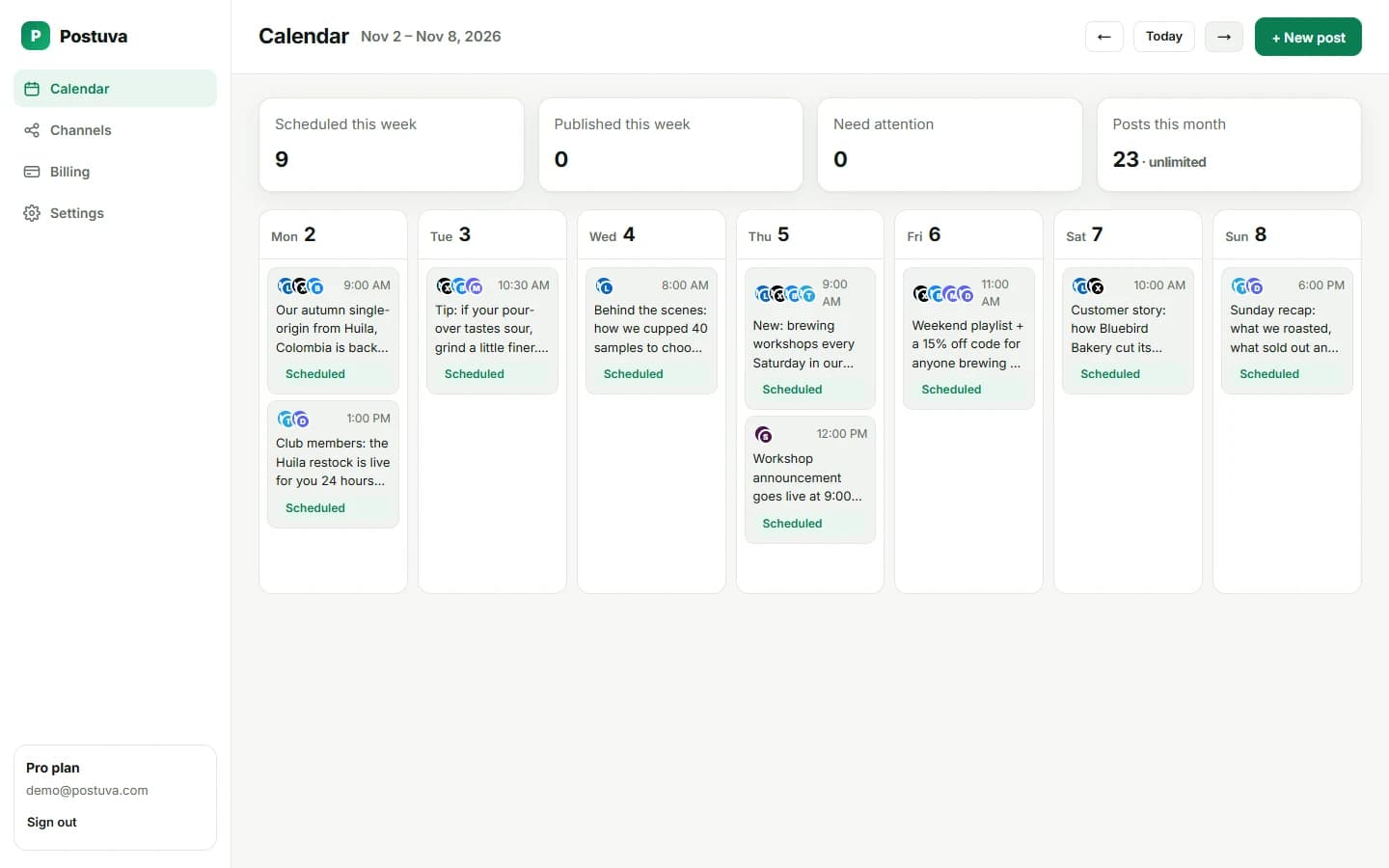
Meta's tools cover Instagram and Facebook. If you also post to LinkedIn, X or Bluesky, a cross-network scheduler keeps everything on one calendar. Postuva schedules Instagram feed posts, carousels and Reels together with Facebook, LinkedIn, X, TikTok, YouTube and more.
What makes a scheduled Instagram post perform well?
Instagram is visual first: the image or the first second of a Reel decides whether people stop scrolling. Use bright, uncluttered images, faces where it makes sense, and text overlays that are readable on a phone. Carousels keep people on your post longer, which tends to help reach, so use them for tips, before-and-afters and step-by-step content.
Captions matter more than many people think. The first line shows under the image before “more”, so treat it like a headline. Then add context, a story or the steps, and end with a question or a clear call to action. Three to five relevant hashtags work better than thirty generic ones.
- Plan a mix: tips, behind the scenes, products, customer photos and Reels.
- Keep a consistent look: similar colours, fonts and framing.
- Write alt text so your images are accessible.
- Reply to comments in the first hour after the post goes live.
When is the best time to post on Instagram?
The best time is when your followers are online, and Instagram tells you: open Professional dashboard → Account insights → Total followers → Most active times. Many consumer audiences are active at lunchtime and in the evening, but your own insights beat any general rule. Schedule two weeks of posts at your top two time slots and compare reach.
How often should you post on Instagram?
Three to four feed posts or Reels a week is a realistic starting point for most businesses and creators, plus Stories on most days if you can manage it. Consistency matters more than volume.
View as table
| Network | Posts a week |
|---|---|
| 2–3 | |
| 3–4 | |
| TikTok | 3–5 |
| 3–5 | |
| Bluesky | 5–7 |
| X (Twitter) | 7–21 |
Planning Instagram with your other networks
Most brands don't only post on Instagram. The same product launch also goes to LinkedIn, X or a Telegram channel. Planning everything on one calendar avoids gaps and duplicate effort. Postuva schedules Instagram posts, carousels and Reels alongside Facebook, LinkedIn, X, TikTok, YouTube and more, all on one calendar.
Frequently asked questions
Can I schedule Instagram Stories?
Meta Business Suite supports scheduling Stories for professional accounts.
Does scheduling reduce reach on Instagram?
There's no evidence that scheduled posts get less reach. Timing and content quality matter far more.
Can I edit a scheduled Instagram post?
Yes, from Scheduled content in the app or the Planner in Meta Business Suite.
Can I schedule Instagram posts from my phone?
Yes, through the Advanced settings toggle in the Instagram app, as long as you have a professional account.
Can I schedule a carousel on Instagram?
Yes, carousels can be scheduled like single-image posts.
Do I need a third-party app to schedule Instagram posts?
No. Professional accounts can schedule natively in the app or Meta Business Suite. A third-party scheduler helps when you also post to other networks.
Why is the Schedule option missing on Instagram?
Usually because the account is personal, the app needs updating, or the post type doesn't support scheduling. Switching to a professional account fixes most cases.