Features
Everything you need to plan and publish, and nothing you don't.
AI social media post generator
Turn one idea into native posts for every network, keeping your facts and your voice.
Read more →Social media content calendar
See every scheduled post across every network in one weekly view.
Read more →Free social media scheduler
Schedule posts to 3 channels free, forever, no card required.
Read more →Cross-post to multiple platforms
Post one update to every network at once, each in its own format.
Read more →Designed around one question
Every feature in Postuva answers the same question: how do you get a good idea onto every network where your audience is, in the right format, at the right time, with the least effort? The composer answers the format part with per-network versions and live previews. AI tailoring answers the effort part by adapting one idea for every network in one click. The calendar answers the timing part by showing the week at a glance, and the publishing queue makes sure the timing actually happens: no missed posts, no duplicates, and a clear reason whenever a network says no.
Things that don't serve that question, such as social listening, unified inboxes and ad managers, are left out on purpose. That keeps the product fast to learn, pleasant to use every day and affordable, and it's why a new teammate can schedule their first post in a couple of minutes, without training or a manual.
The core loop: write, tailor, schedule
Every feature in Postuva serves one loop. You write an idea once. AI tailors it into a native post for each network you picked, within each network's limits. You schedule it on a calendar that shows the whole week, and a managed queue publishes it at the minute you chose, retrying if a network hiccups and telling you exactly why if it can't.
- LinkedInStory + question, ~1,200 chars
- X (Twitter)Punchy hook, ≤ 280 chars
- BlueskyConversational, ≤ 300 chars
- MastodonFriendly, alt text on images
- TelegramAnnouncement + photo album
- DiscordCommunity update + @mention
Built for reliability
Scheduling is a promise: the post will go out at that time. Postuva keeps it with an atomic publishing queue that never sends the same post twice, automatic retries after 1, 5 and 30 minutes for temporary errors, and clear failure states for everything else. Network tokens are refreshed before they expire where the network allows it, and channels that need reconnecting are flagged straight away.
Watch the whole flow
A real, 19-second recording of the composer: channels selected, one idea written, each network's version reviewed, scheduled.
Everything included in every plan
| Feature | What it does |
|---|---|
| Composer | Write once, select networks, edit each network's version with live previews |
| AI tailoring | One click adapts an idea for every selected network within its limits |
| Content calendar | A weekly view of every post on every channel, with statuses |
| Publishing queue | Publishes at the exact minute, never twice, with automatic retries |
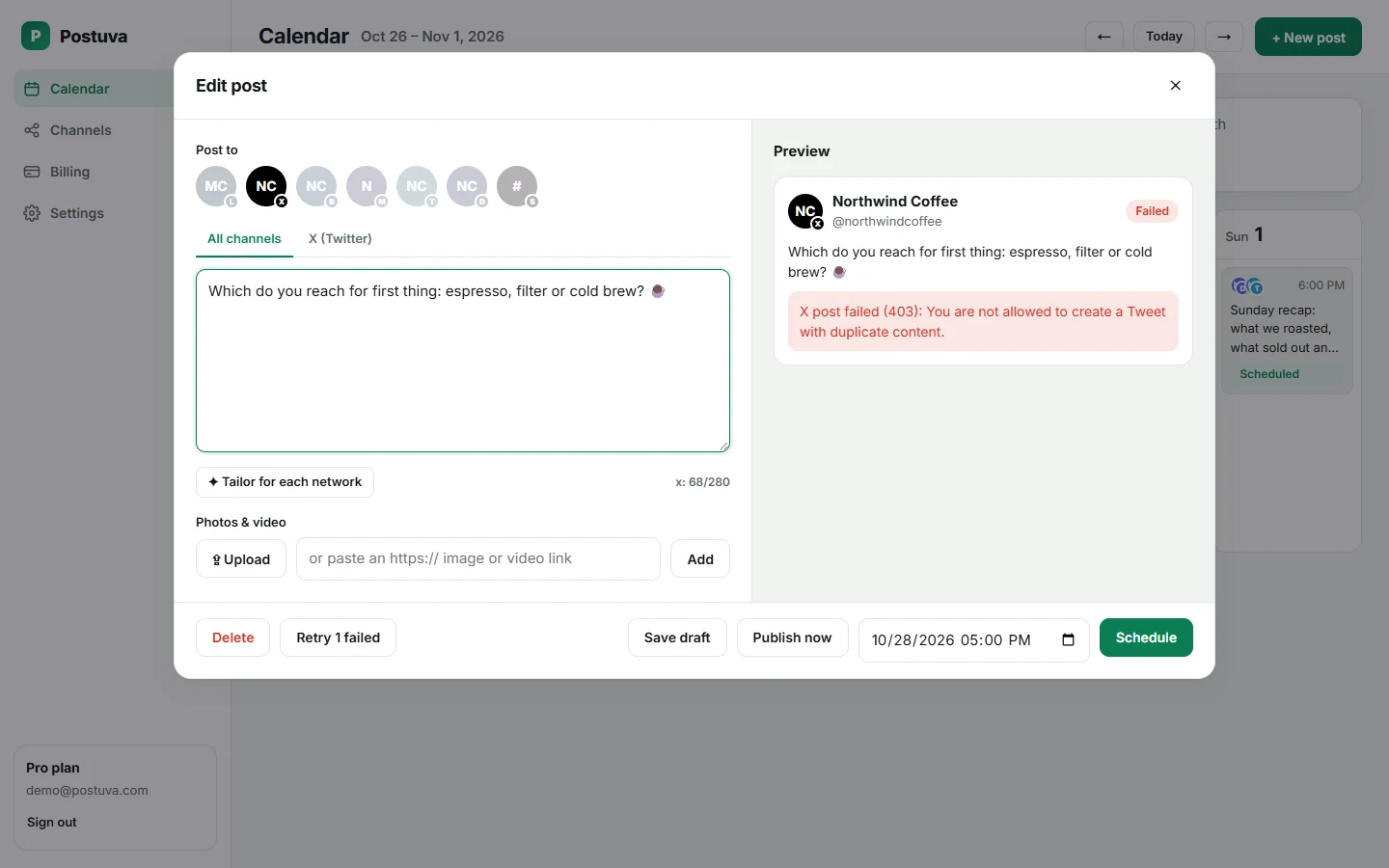
| Failure alerts | The network's exact reason on the post, plus Reconnect when access expires |
| Workspaces | Separate channels and calendars per brand or client |
| Security | AES-256 encryption of credentials, least-privilege permissions |
What's coming next
- Google Business Profile, WordPress and more blogging platforms
- Client approval links for Pro and Agency plans
- Thread scheduling for X and Bluesky
- Direct media uploads in the composer
- Analytics summaries for published posts
How Postuva keeps your accounts safe
Connecting social accounts to any tool is a trust decision, so Postuva minimises what it holds and protects what it must. It asks only for the permissions needed to publish: no reading your messages, no access to your contacts. Tokens, app passwords and webhook URLs are encrypted with AES-256-GCM before they're stored and are never shown back in the interface. You can remove a channel at any time, which deletes its credentials and unpublished posts, and you can also revoke access from each network's own settings.
Feature FAQ
Have a feature request? Email support@postuva.com. The roadmap is shaped by what customers ask for most.
- Can I edit a post after scheduling it? Yes, until it's published. Click it on the calendar.
- Can I publish immediately? Yes, Publish now sends the post to every selected channel straight away.
- Can I save drafts? Yes. Drafts stay in the calendar and don't count toward your monthly post limit.
- What happens if I remove a channel? Its unpublished posts are deleted; published posts stay on the network.
- Is there an API? Not yet. It's on the roadmap.
Where to start
New to Postuva? Read the AI post generator page to see how tailoring works, then the content calendar page to plan your first week. If you post the same news everywhere, the cross-posting page covers limits per network, and the free plan page explains what you get without paying.
Built for speed
Postuva is fast to learn and fast to use. Connecting a network takes a minute, writing a post for several networks takes a couple more, and the calendar loads the whole week at once. There are no menus of rarely used settings to hunt through: the composer shows channels, text, images and time, and everything else stays out of the way.
That speed is the point. The less time a tool takes, the more of your week goes to the ideas themselves and to the conversations they start.