The best tool to schedule social media posts: how to choose
The best social media scheduler is the one that supports all of your networks, publishes reliably, and costs a fair amount for the number of channels you need. Small teams that post to several networks should look for one calendar for everything, AI that adapts posts per network, clear failure alerts and a free plan to test with.
What should you look for in a social media scheduler?
- Network coverage: does it support every network you post to today?
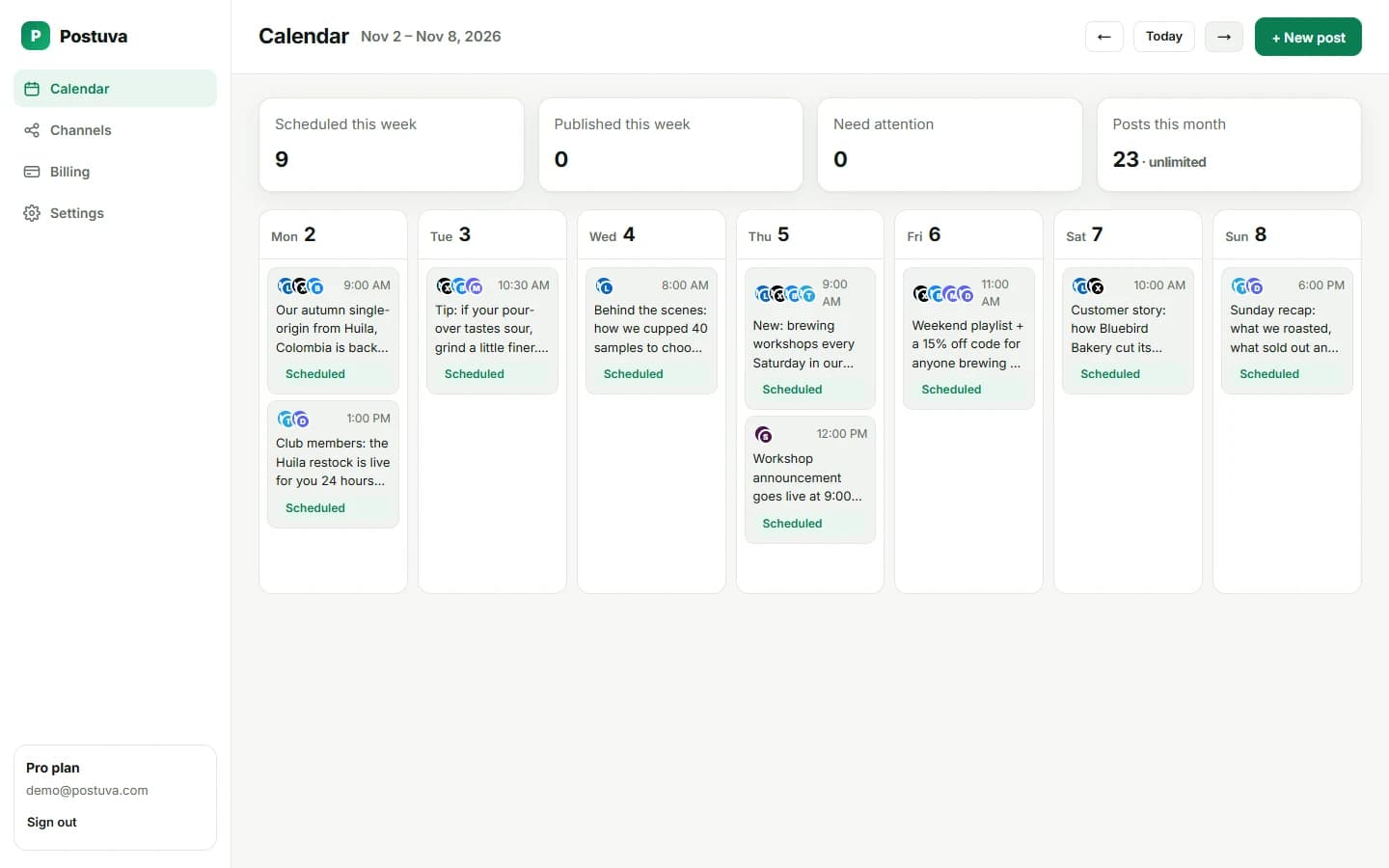
- Reliability: does it retry failed posts and tell you why one failed?
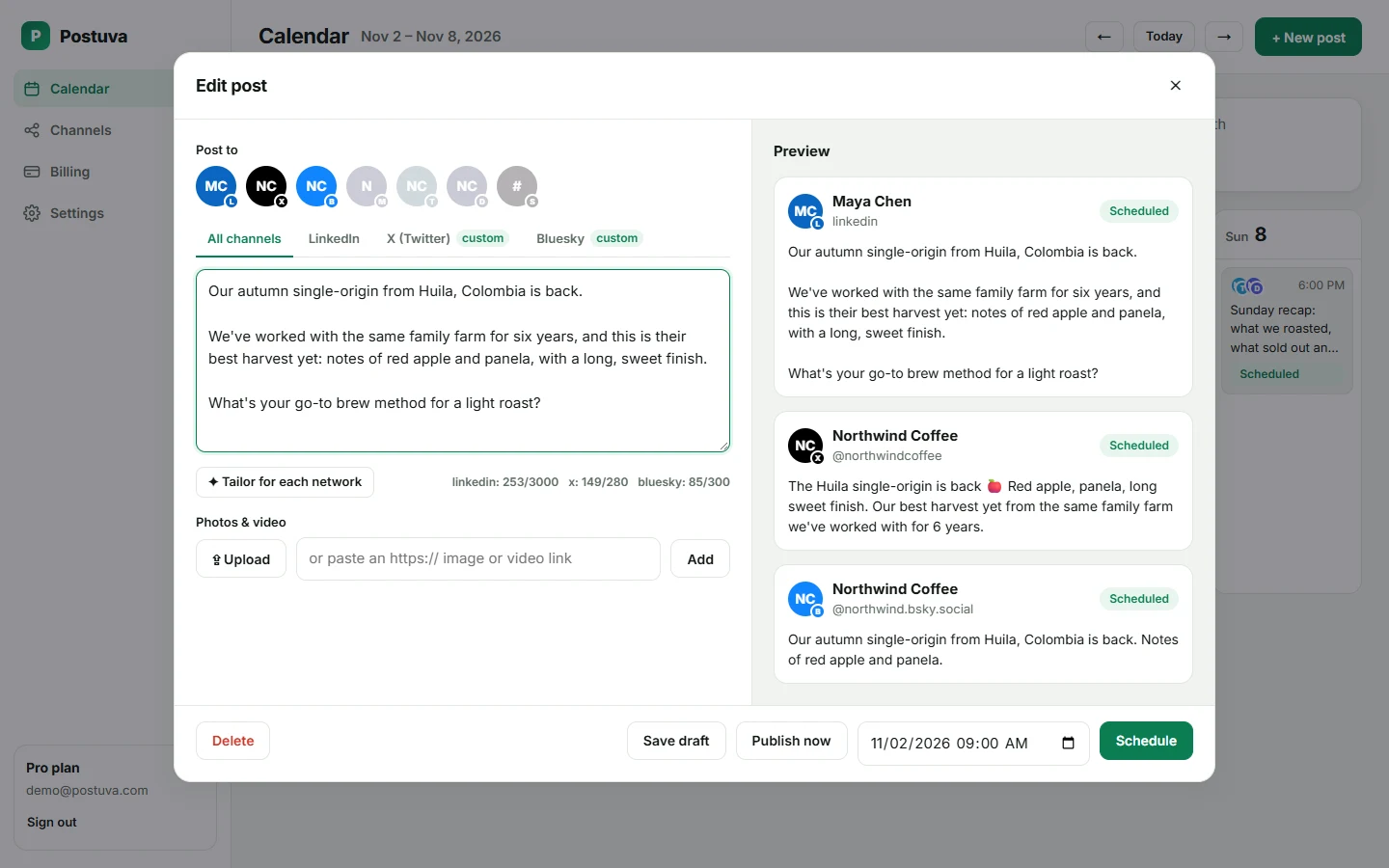
- Per-network editing: can each network get its own text and limits?
- AI help: can it adapt one idea to each network without inventing facts?
- Team and clients: workspaces, roles and approvals if you need them.
- Pricing model: per channel, per seat or flat? Price it for next year's needs, not today's.
Quick recommendations by situation
| Your situation | What to prioritise |
|---|---|
| Solo creator on 2–4 networks | Free plan, AI per-network rewrites, fast composer |
| Small business | Simple calendar, low price, reliable publishing |
| Agency with many clients | Workspaces, flat pricing, no per-seat fees |
| Large brand or enterprise | Inbox, listening, analytics, compliance |
| Instagram-first brand | Visual grid planning and Reels support |
Popular social media schedulers compared
| Tool | Best known for | Good fit for |
|---|---|---|
| Postuva | AI per-network rewrites, one calendar, flat pricing | Creators, small businesses, agencies |
| Buffer | Simple queue-based scheduling | Individuals and small teams |
| Hootsuite | All-in-one suite with inbox and listening | Larger teams and enterprises |
| Sprout Social | Analytics, inbox and team workflows | Mid-size and enterprise teams |
| Later | Visual Instagram planning | Instagram-first brands and creators |
| Metricool | Scheduling plus analytics and ads | Freelancers and agencies |
| Typefully | Writing threads for X and LinkedIn | Writers and founders |
Free vs paid social media schedulers
Free plans are enough for one person posting a few times a week on up to three networks. Paid plans pay off when you post daily, manage several brands, or need teammates. Postuva's free plan includes 3 channels and 30 posts a month, and paid plans start at $15 a month.
How we'd test a scheduler before committing
- Connect real accounts. Use the networks you actually post to, not a test profile.
- Schedule a real week. Write your real posts and schedule them for the coming days.
- Break something on purpose. Revoke one account's access and see whether and how the tool tells you.
- Time yourself. How long does it take to post one idea to every network?
- Check the price in a year. Add the channels and teammates you'll have in twelve months.
Why reliability matters more than features
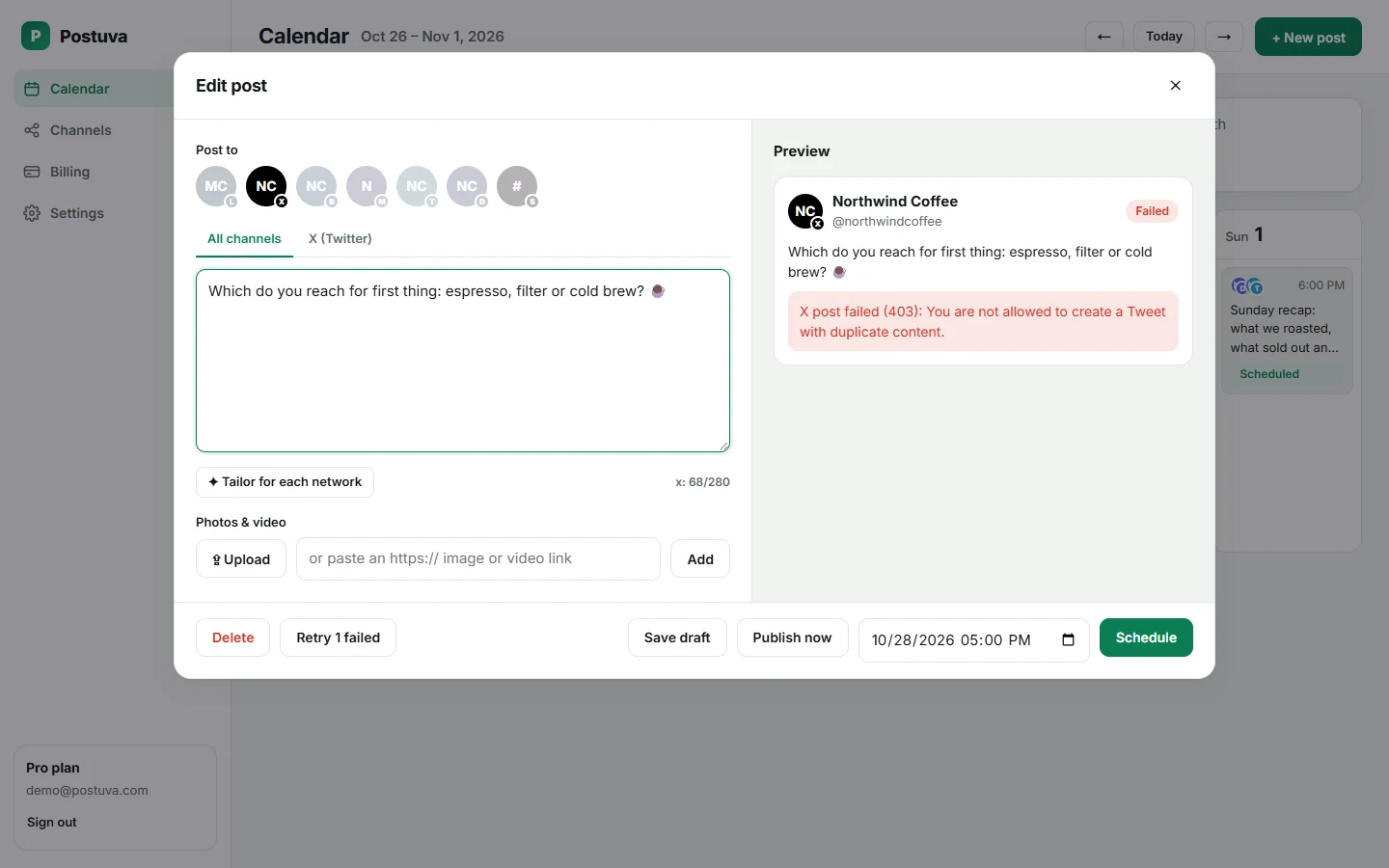
The most expensive scheduler failure is the one you don't notice: a launch post that silently never went out, or a token that expired a week ago. When comparing tools, look at what happens when things go wrong. Does it retry temporary errors? Does it tell you which post failed and why? Does it flag the account that needs reconnecting?
Postuva retries temporary failures automatically, marks a post as failed with the network's exact message, flags the channel for reconnection, and offers a one-click retry. It sounds unglamorous, but it's the feature you'll be most grateful for.
See a modern scheduler in action
A real 19-second recording of scheduling one idea to three networks in Postuva.
Feature checklist
| Feature | Why it matters | Postuva |
|---|---|---|
| Per-network editing | Each network needs its own format | Yes |
| AI tailoring | Saves rewriting for every network | Yes |
| Calendar view | See the whole week at once | Yes |
| Automatic retries | Temporary errors don't lose posts | Yes |
| Failure reasons | Fix problems fast | Yes |
| Workspaces | Separate brands and clients | Yes |
| Free plan | Try with real accounts | Yes |
| Instagram, TikTok, YouTube | Visual networks | Yes |
Frequently asked questions
What is the best free social media scheduler?
Look for a free plan that has no time limit, covers the networks you use and includes enough posts for your schedule. Postuva's free plan includes 3 channels and 30 posts a month.
Do schedulers support Instagram and TikTok?
Most established schedulers do. Postuva supports both: Instagram feed posts, carousels and Reels, and TikTok videos, alongside 21 other networks.
What is the easiest social media scheduler to use?
The easiest tools let you write once and post everywhere from one screen, with clear previews and no setup. Try the free plans of two or three tools with a real week of posts and keep the one that felt fastest.
Which social media scheduler has the best AI?
Compare what the AI actually does: a single caption, or a tailored version for each network within its limits. Postuva's Tailor for each network rewrites one idea for every selected network at once without inventing facts.
Should I use one tool or each network's own scheduler?
If you post to one network, its own scheduler is enough. Once the same ideas go to two or more networks, one tool saves time and keeps everything on one calendar.
Is a scheduler worth it for a single person?
If you post to two or more networks, or post more than a few times a week, yes: batching saves time and keeps you consistent. A free plan is a good way to find out.
Can scheduling tools post to personal Facebook profiles?
No. Facebook only allows scheduling for Pages and Groups, so no tool can schedule to personal profiles.