Plan product drops and sales weeks ahead
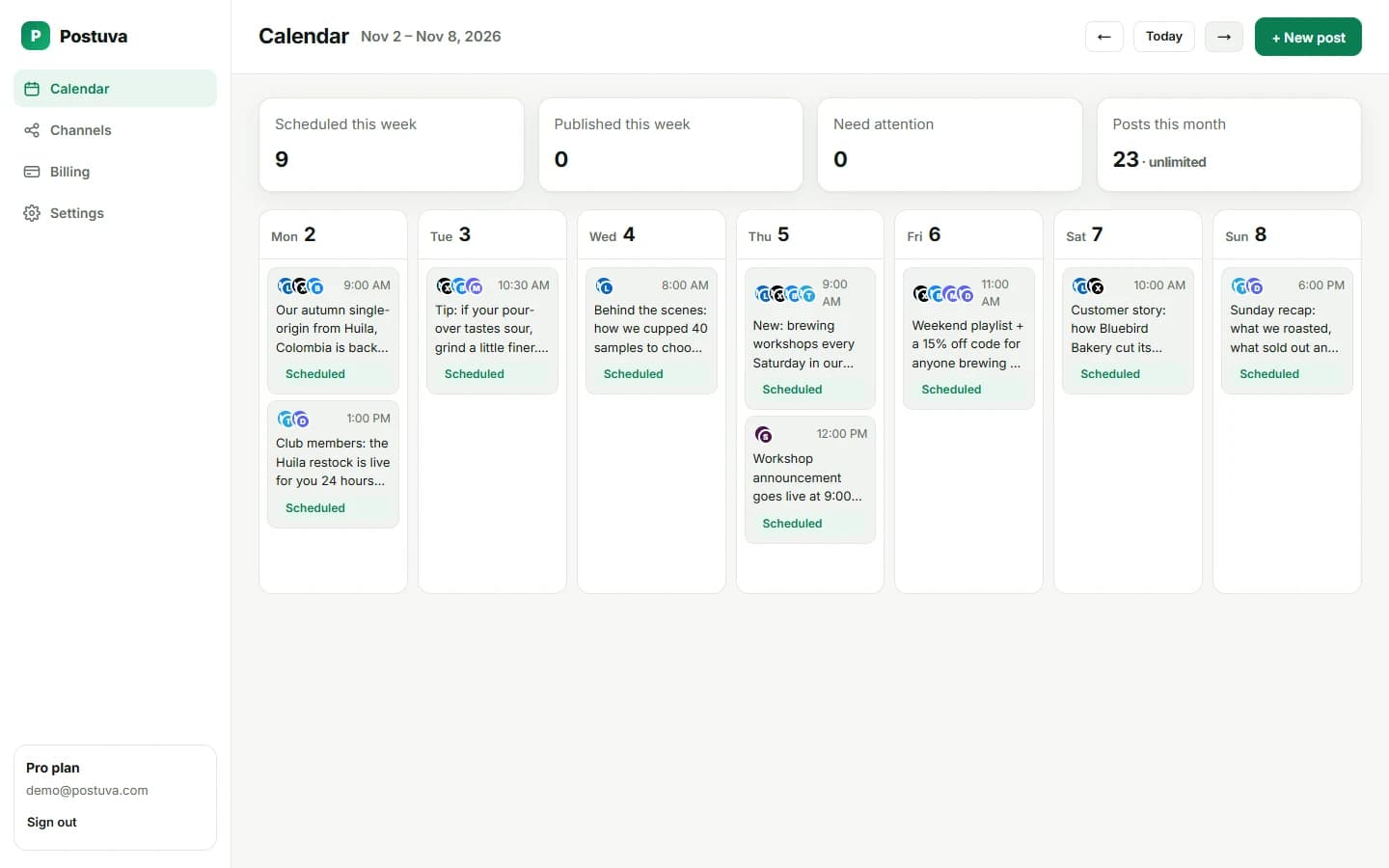
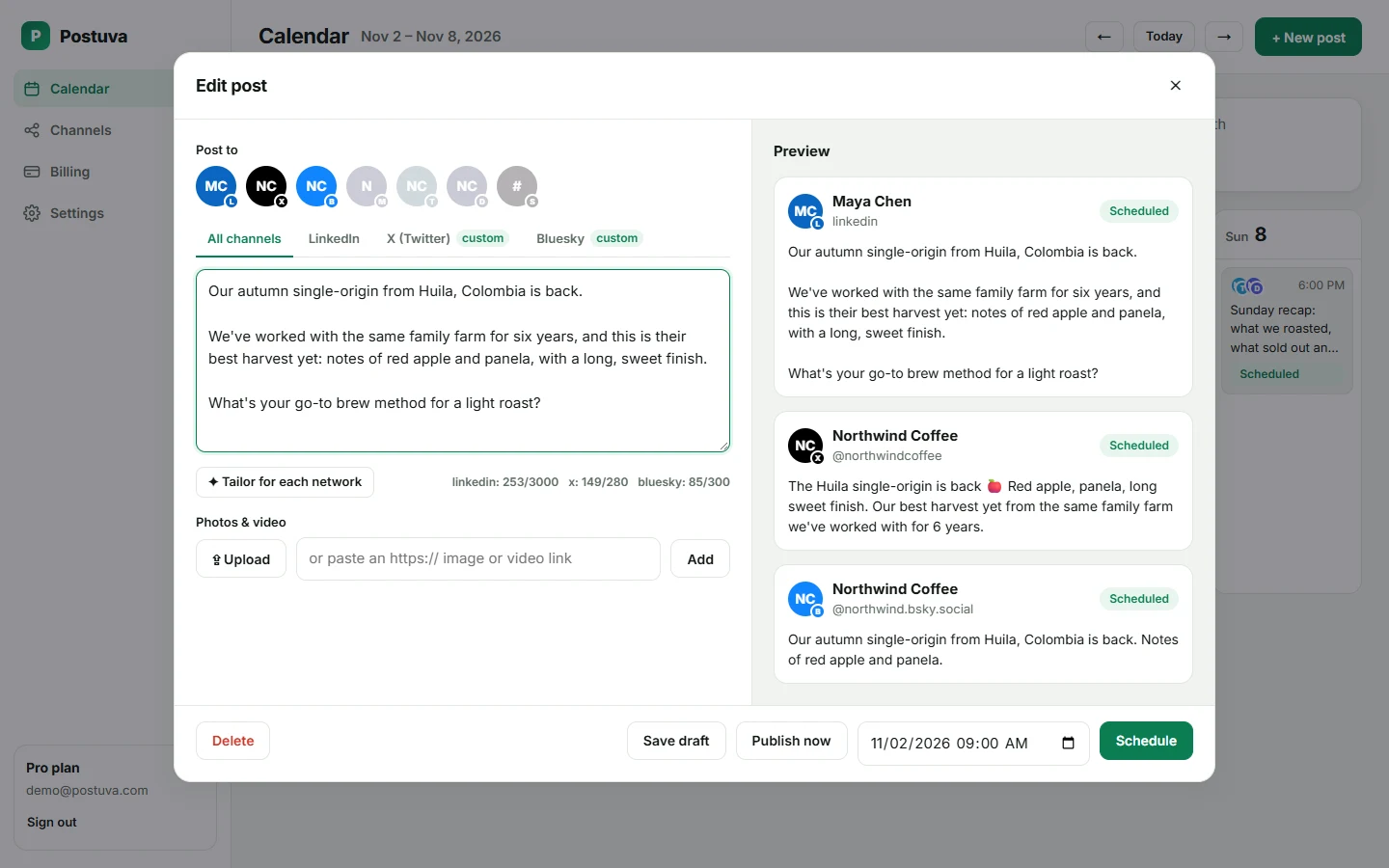
E-commerce brands win on timing: the post should go live the minute a sale or drop starts. Postuva lets you plan seasonal campaigns weeks ahead, attach product images, adapt each post to every network with AI and publish at the exact minute, even at midnight.
How do I plan a sales campaign on social media?
- Teaser (7 days before). Hint at what's coming and invite people to subscribe or join your channel.
- Reminder (1 day before). Share the start time and the best product in the sale.
- Launch (the minute it starts). Schedule the announcement with the product image and link.
- Last chance (final day). Remind people the offer ends, with social proof.
Why does timing matter so much for online stores?
A sale that starts at 9:00 should be announced at 9:00, not at 9:47 when someone gets to their phone. Drops, restocks and flash sales are time-sensitive by nature: posting late means customers find out from someone else, or after the best items are gone. Scheduling lets you prepare campaign posts calmly days ahead and have them go live the minute the offer does, including at midnight or on a holiday.
Which posts sell for online stores?
- New arrivals with a clear product photo
- Restocks of best-sellers
- Customer photos and reviews
- Limited-time offers with a deadline
- How-to-use and styling tips
Product post formula that converts
- Lead with the benefit. What the product does for the customer, not its specs.
- Show it. A clear photo of the product in use beats a white-background shot on social.
- Add proof. A short review quote, a rating or “back by popular demand”.
- Create a reason to act now. A deadline, limited stock or an early-access code for your channel.
- One link. Send people straight to the product page, not your homepage.
Use owned channels for your best customers
Your most loyal customers are worth reaching directly. A Telegram channel or Discord server for “insiders” with early access, restock alerts and member-only codes builds the kind of loyalty that public feeds can't. Schedule insider posts an hour or a day before the public announcement so members feel the benefit.
Worked example: a 48-hour flash sale
All six posts can be written and scheduled in one session the week before, so the sale runs itself while you pack orders.
| When | Post | Channels |
|---|---|---|
| Day −3 | “Something's coming Friday. Members hear first.” | Telegram, Discord |
| Day −1, 18:00 | Teaser image of the best product in the sale | X, Bluesky, LinkedIn |
| Day 0, 09:00 | Sale is live: product photo, discount and deadline | All channels |
| Day 0, 18:00 | Customer favourite and reviews | X, Bluesky |
| Day 1, 12:00 | “12 hours left” reminder | All channels |
| Day 2, 09:00 | Thank-you and what's next | Telegram, LinkedIn |
Common e-commerce social mistakes
- Only posting promotions; mix in tips, stories and customer photos.
- Linking to the homepage instead of the product page.
- Announcing a sale after it started; schedule for the start minute.
- Ignoring comments asking about sizes, shipping or stock.
Seasonal campaign calendar for online stores
Schedule each campaign at least two weeks ahead: teasers, launch, reminders and last-chance posts. That leaves your launch days free for customer service.
| Month | Campaign | Schedule posts from |
|---|---|---|
| January | New year sale, clearance | Late December |
| February | Valentine's gifting | Late January |
| March–April | Spring collection | Early March |
| May | Mother's Day (many countries) | Late April |
| June | Father's Day, summer launch | Late May |
| September | Back to school or back to work | Late August |
| November | Black Friday, Cyber Monday | Early November |
| December | Gift guides, last shipping dates | Late November |
Photos that sell on social media
You don't need a studio. A recent phone, a window and a plain background produce images good enough for every network. Host them on your store or image host and add them to posts by link. Postuva uploads them to each network when the post is published.
- Products in use: a mug with steam, a jacket on a person, a tool on a workbench.
- Natural light: shoot near a window and avoid harsh flash.
- Consistent framing: the same angle across a collection makes a feed look professional.
- Details: close-ups of texture, stitching or packaging answer buyers' questions.
- Customer photos: shared with permission and credited, they're the most trusted images you can post.
Measuring social media sales
Add UTM parameters to every product link you schedule (for example utm_source=telegram&utm_campaign=autumn-sale) so your store analytics show exactly which network and which post brought each order. After a campaign, compare revenue per network rather than likes. Many stores find that a small owned channel such as Telegram or Discord sells more per post than a much larger public following.
Frequently asked questions
Can I add product images?
Yes, attach images to any post; each network receives them in its own format.
Can I schedule to Instagram, Facebook and Pinterest?
Yes. All three are supported, including Instagram carousels and Reels and Pinterest pins with a link to your product.
Can I schedule posts for Black Friday weeks in advance?
Yes. Schedule the whole campaign weeks ahead and edit any post until it's published.
Can I include discount codes?
Yes, codes are just text. AI tailoring keeps them exactly as you wrote them.
Does Postuva support Instagram and TikTok for e-commerce?
Yes. Schedule Instagram posts, carousels and Reels, TikTok videos, Pinterest pins and Facebook posts, plus Telegram or Discord for loyal customers.
What should an online store post when there's no sale?
Tips for using your products, customer photos and reviews, behind-the-scenes moments and new arrivals. Value posts keep people following so your sales posts have an audience.
How many posts a week should a store publish?
Three to five across your main networks is a good start, more during campaigns.
Can I schedule the same product post to Telegram and X?
Yes. Select both; Telegram can carry the full description and photos while X gets a short version.